Every ticket, from every email, in one place.
TicketHub is a mobile app that connects to your Gmail or Outlook mailbox, finds the ticket confirmation emails already sitting in it, and turns them into a list of what you're actually going to — sorted by what's next.
One email when it launches. Nothing else, ever.
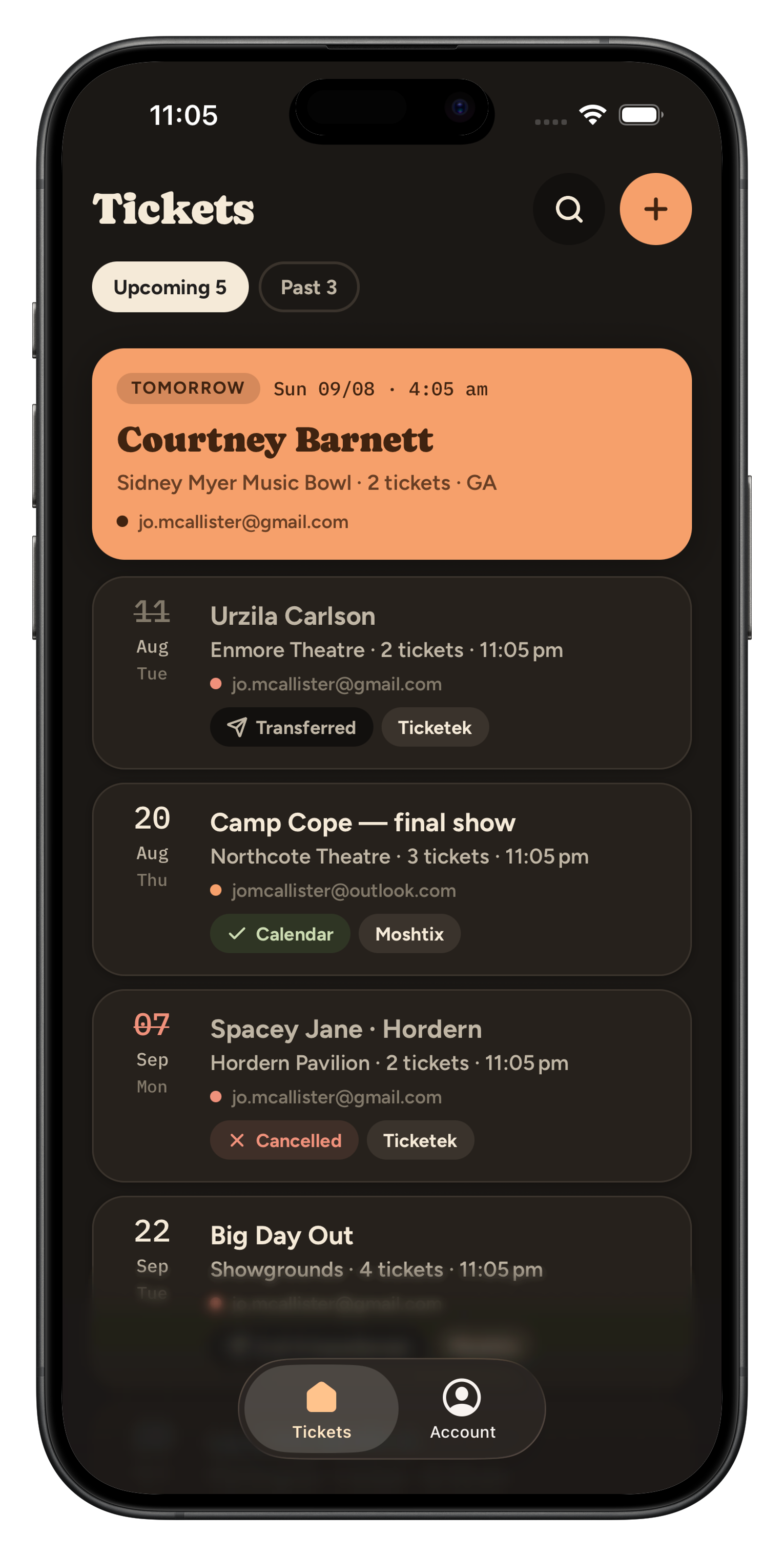
What TicketHub does
TicketHub is a mobile app for Android and iOS. If you buy event tickets, the confirmations arrive as email — from Ticketek, Ticketmaster, Moshtix, Eventbrite and others — and then scatter across however many mailboxes you have. On the night, you are searching your inbox outside a venue.
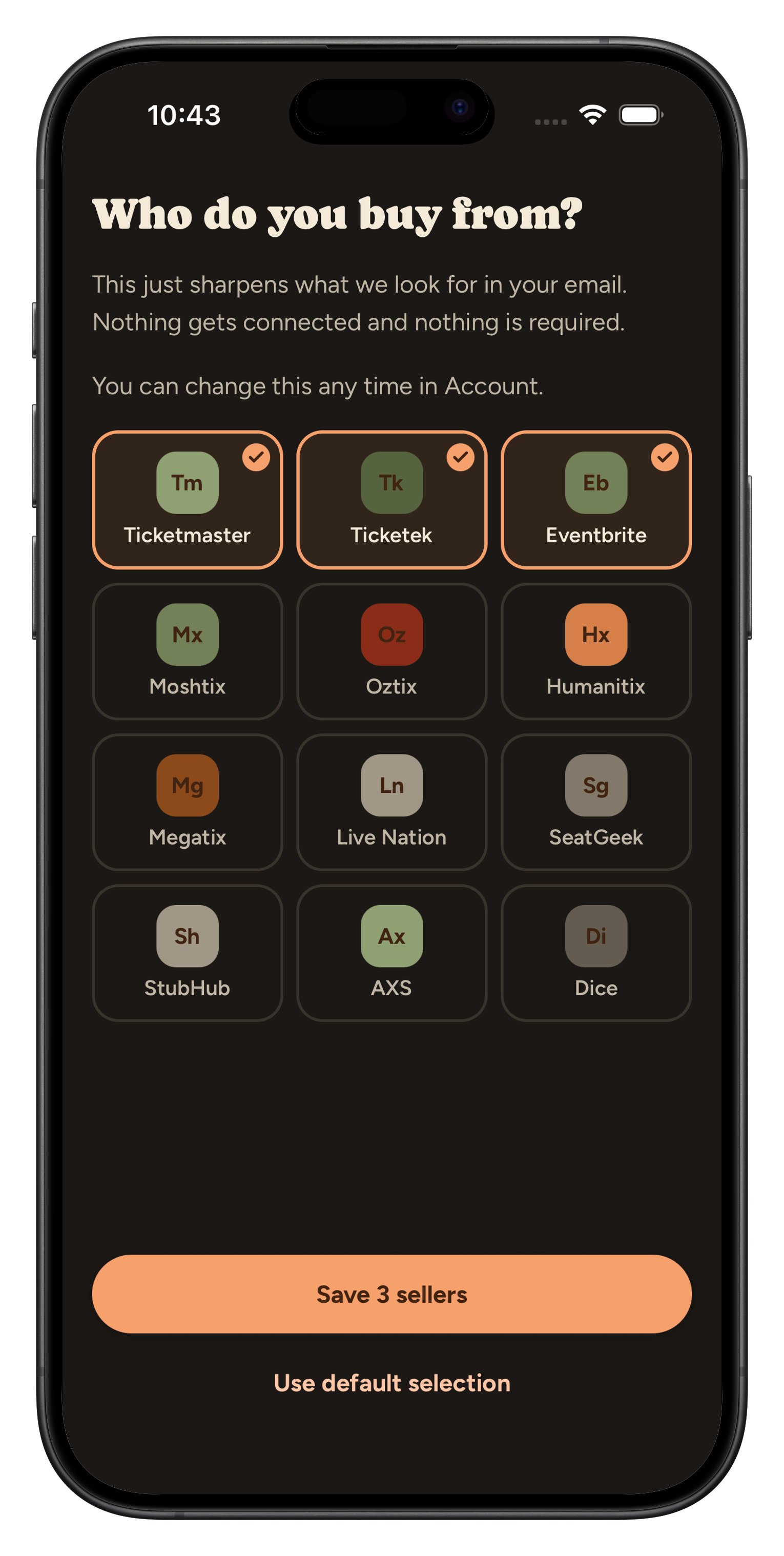
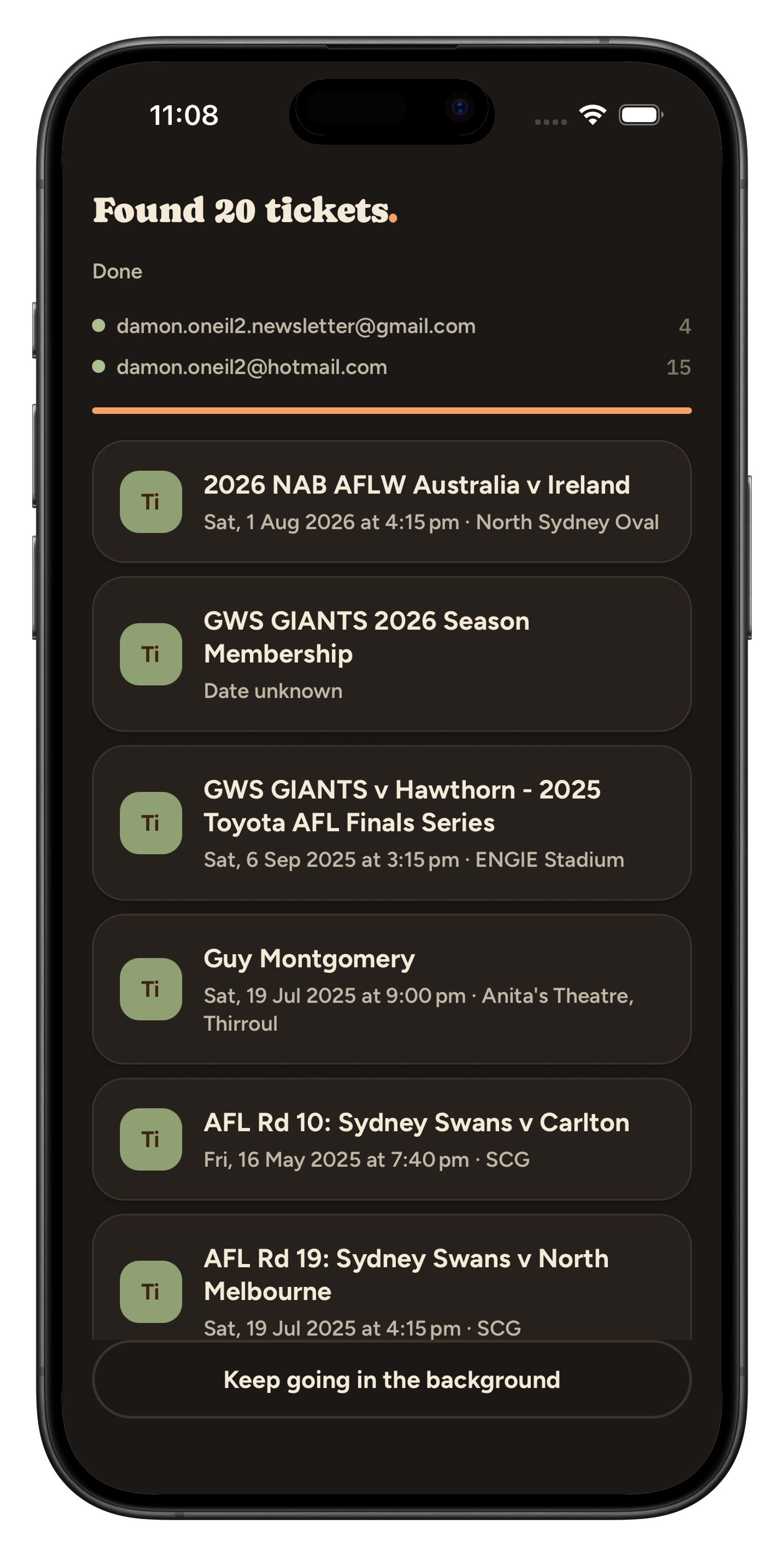
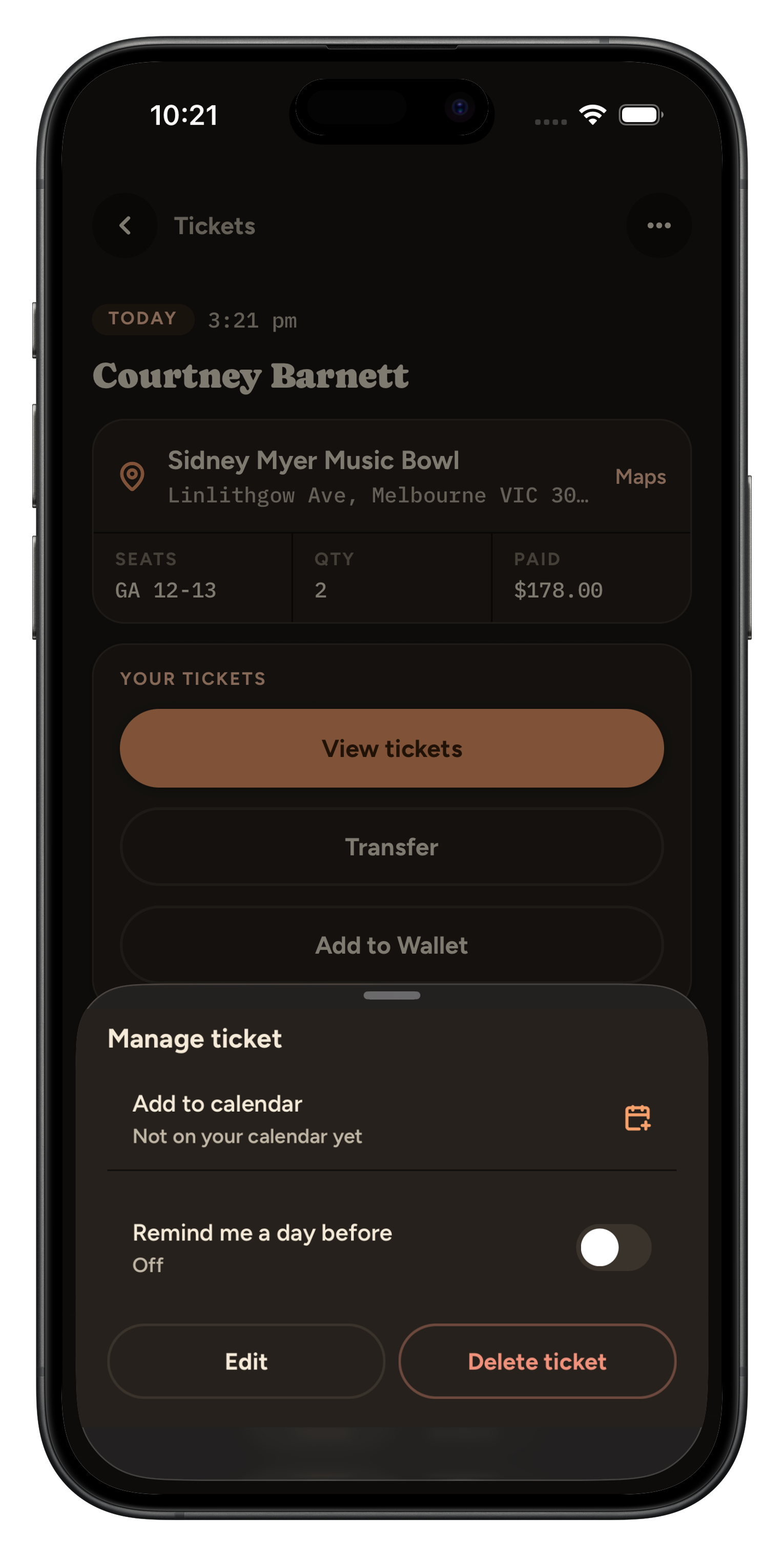
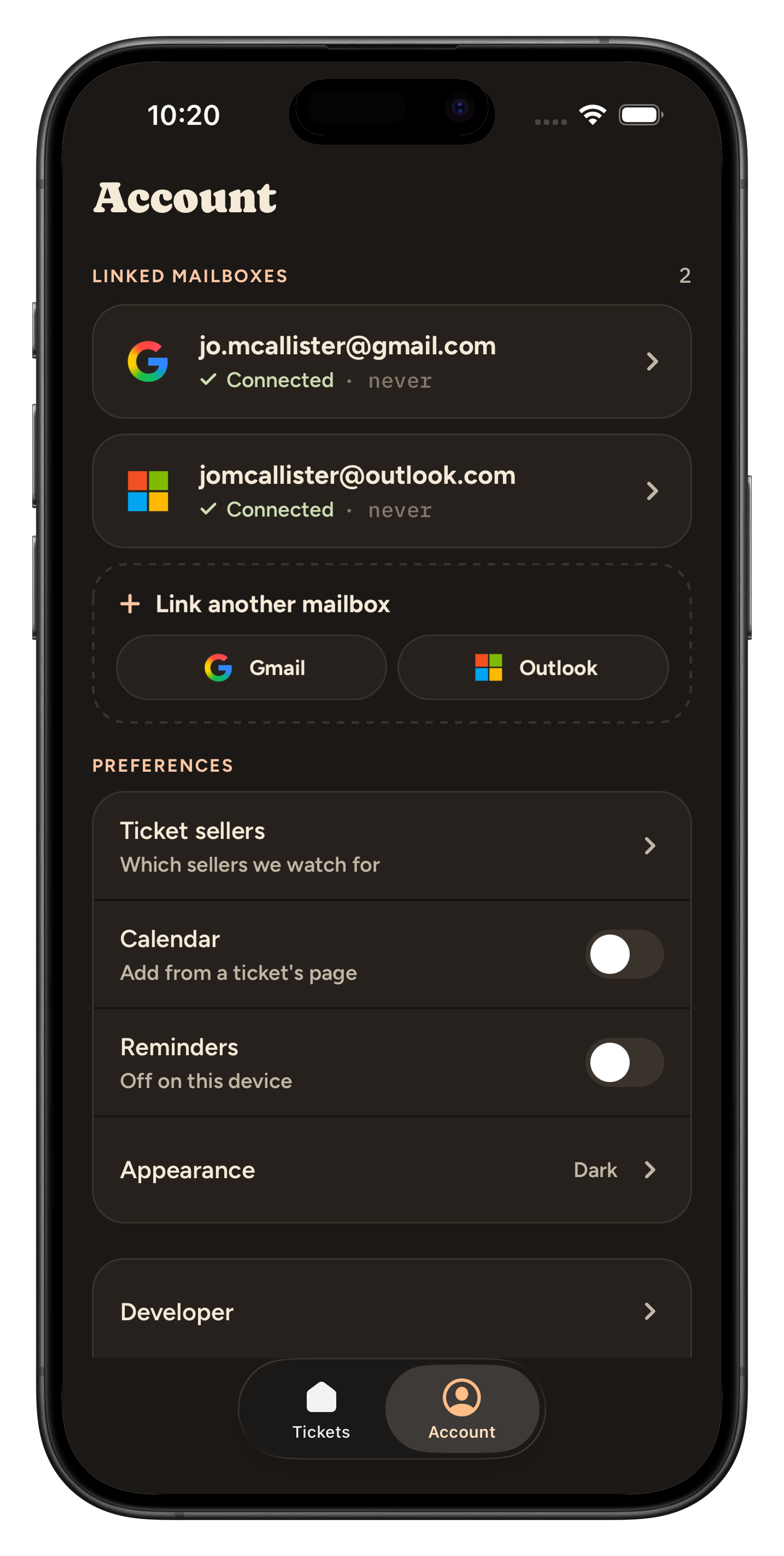
TicketHub solves that by connecting to the mailboxes you choose. You sign in with your Google or Microsoft account and grant read-only access to your mail. The app then looks for messages from the ticket sellers you have nominated, reads those confirmation emails, and pulls out the details that matter: the event, the date, the venue, your seats, the order number and what you paid. Those details become a list ordered by what is happening next, with a reminder the night before and one tap to add the event to your calendar.
Reading your mailbox is the entire mechanism — there is no other
way to find a ticket you have already been sent. So the permission
we request is the narrowest one that works:
gmail.readonly for Google accounts and
Mail.Read for Microsoft. Neither allows sending,
deleting or changing anything. Only messages from the sellers you
nominate are opened, and the text of your emails is never stored —
only the extracted ticket details are. You can disconnect a mailbox
at any time, and the full detail is in our
privacy policy.
Four inboxes. Six ticket sellers. One event you're already standing outside.
TicketekTicketmasterMoshtix EventbriteHumanitixOztix
It reads the confirmation email so you don't have to.
Event, venue, date, seats, order number — pulled out of the email automatically and laid out the way you'd want to read it at a box office.
Sorted by what's actually next.
Not by when the email arrived. Tonight's show is at the top, last year's is filed away, and anything that needs a second look is flagged rather than buried.
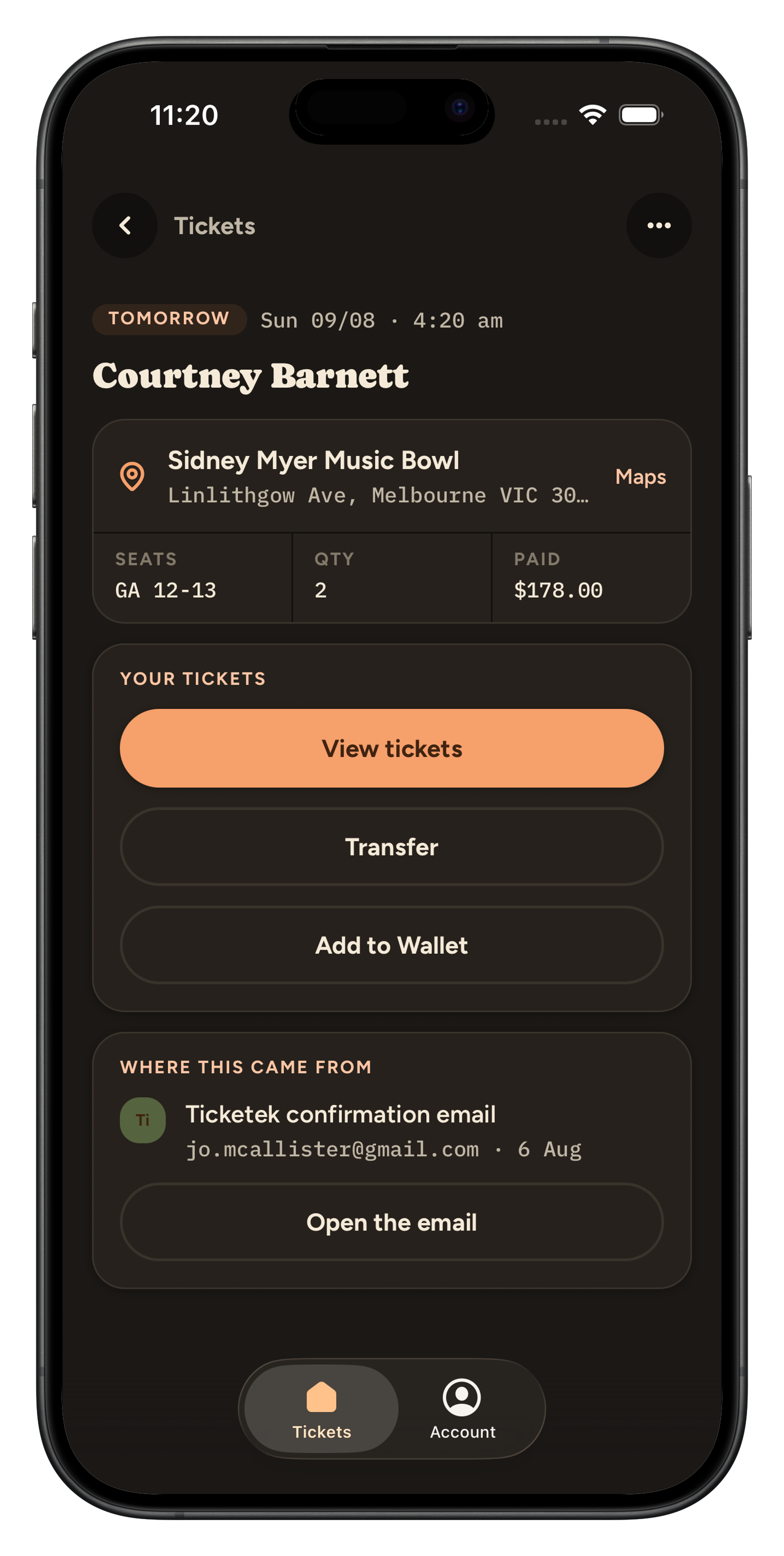
A nudge the night before.
A reminder while there's still time to do something about it, and one tap to put the whole thing in your calendar.
Connecting an inbox is a big ask. Here's exactly what happens.
Read-only, and nothing else
TicketHub asks your provider for permission to read mail. It cannot send, delete or change anything in your inbox.
Your emails are never stored
Only the ticket details are kept — event, venue, seats, order number. The emails themselves stay where they are, in your inbox.
Disconnect whenever you like
One tap removes an inbox and the access that came with it. You do not need to ask us.
Be first to know when it launches.
Leave your email and we'll tell you the day it's on the store. No newsletter, no drip campaign.